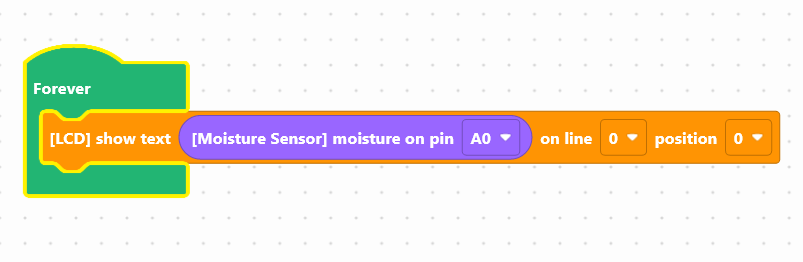
In order to display the measured soil humidity value as a percentage, you must first perform a sensor calibration.
That is to say, define the measurement range of the sensor (i.e. the lowest and highest value) that can be had.
Calibration:
Two manipulations must be carried out:
- Measure the value returned by the sensor in the air and write it down on a sheet. The air is considered to be the driest soil that can be encountered.
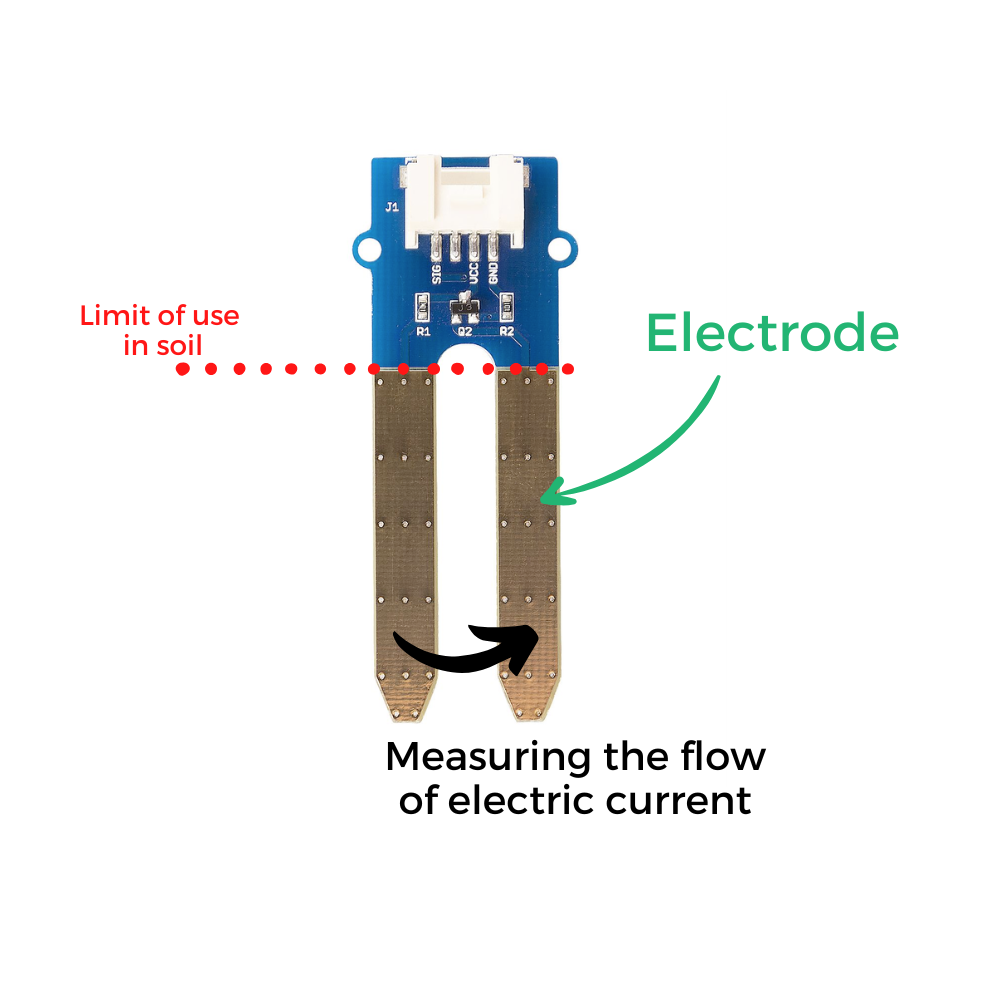
- Measure the value returned by the sensor, immersed two-thirds in a glass of water and write it down on a sheet. Water is considered to be the wettest soil you can have.
The two values noted on the sheet will be integrated into the following block: " transform the value (soil humidity) from [ (value of the sensor in the air) to (value of the sensor in the water) ] to [0 to 100].

Here is an example of ready-to-use code:
This code includes:
- the creation of a humidity variable to which we assign the value returned by the humidity sensor
- the display of a text consisting of the rounding of the transformation in percentage + the acronym %
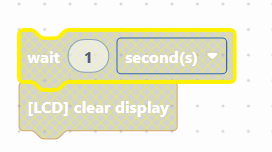
- a 1-second pause
- the cleaning of the screen to facilitate reading
Launch the simulator to check the good execution of your program or download it on the card.
You succeeded? Perfect, you now know how to program a soil humidity sensor using your NUCLEO-L476RG board!
Discover the other activities of the Starter kit by clicking on the icons below.



.jpeg "humidite-EN")