loader

Activity No. 7: Using the LED matrix (IoT sensors kit)

Using the RGB LED matrix with the Nucleo L476 board
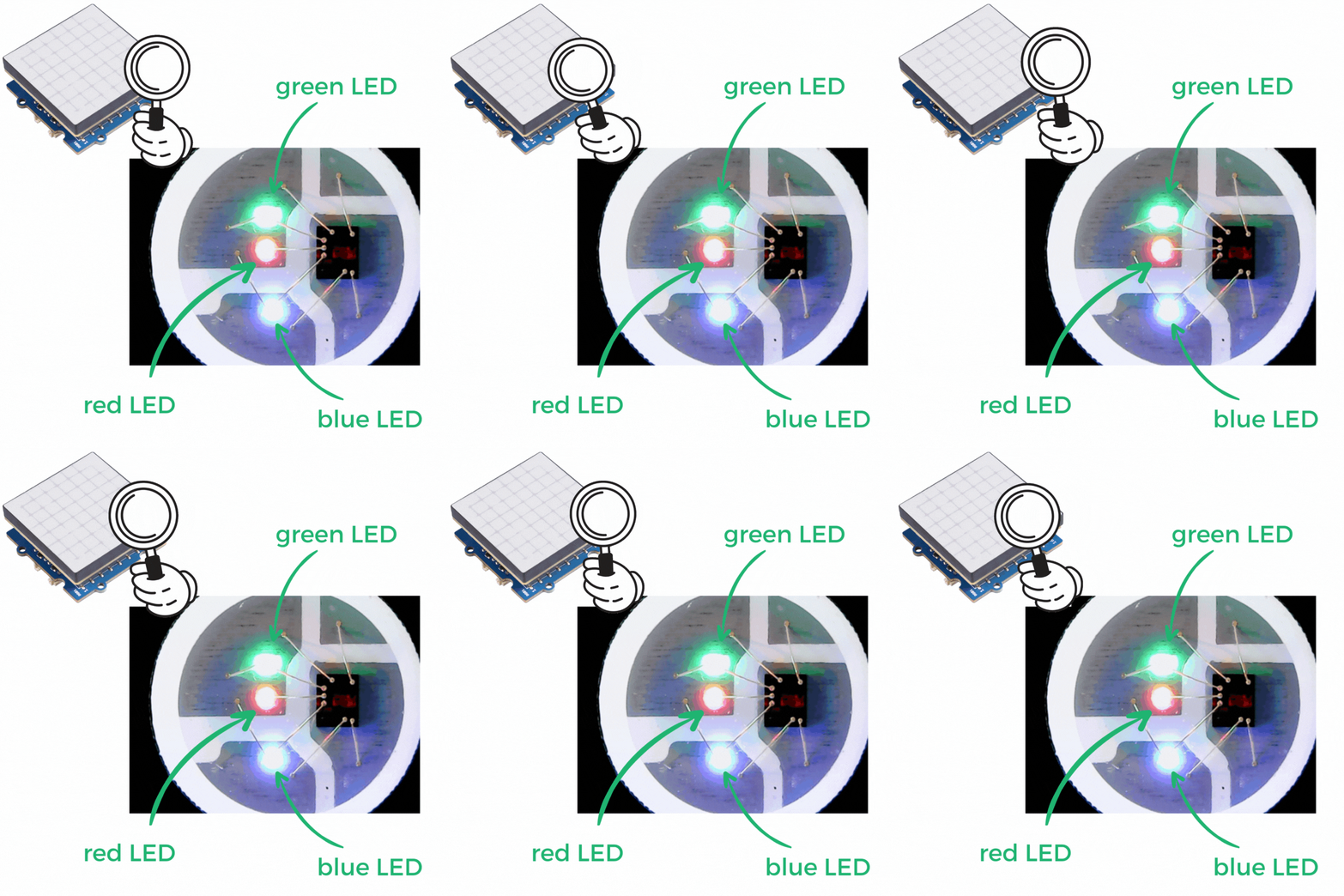
The Grove RGB LED matrix is ​​made up of a set of 8x8 leds (64 leds) whose color can be individually chosen by the user.

The denomination RGB refers to the three primary colors: R (red) / G (green) / B (blue). Each LED of the matrix therefore consists of a set of three tiny LEDs that can be lit at the same time to form different colors (orange, yellow, purple etc...).


matrix-zoom-EN

To operate this RGB LED matrix using the NUCLEO-L476RG card, the following connection must be made: 
- Connect the NUCLEO-Shield to the connectors on the card. 
- Connect, using the Grove cable, the LED matrix to one of the ports named I2C available.
- Connect the L476RG board to the computer using the mini-USB cable.

matrix-EN

Now let's get to programming! 

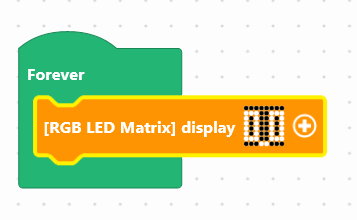
We are going to use the block: "[RGB LED matrix] display...", available in the Display of the blocks locker.
rgb-mat

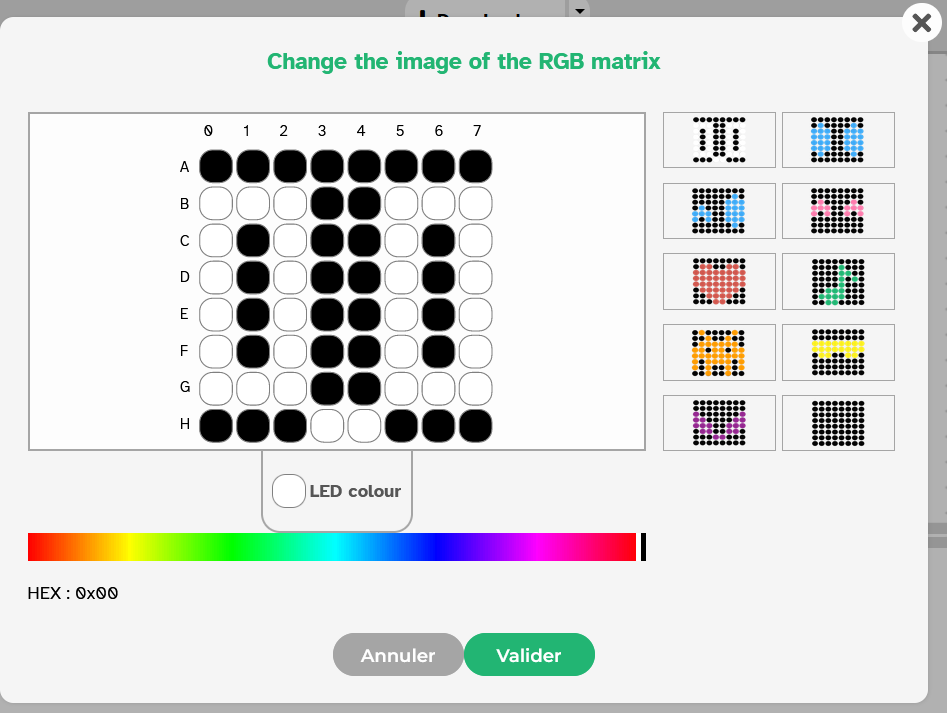
By clicking on the colored icon, it is possible to select one of the predefined visuals in the banner on the right, or to create the lighting of your choice for each LED individually by clicking on it. 
desc-mat-en

Use the following interface to program the module: 


Once the program has been created, it must be copied onto the card. To do this, you must use the "Upload" button (see Activity 0: Getting started with the board)

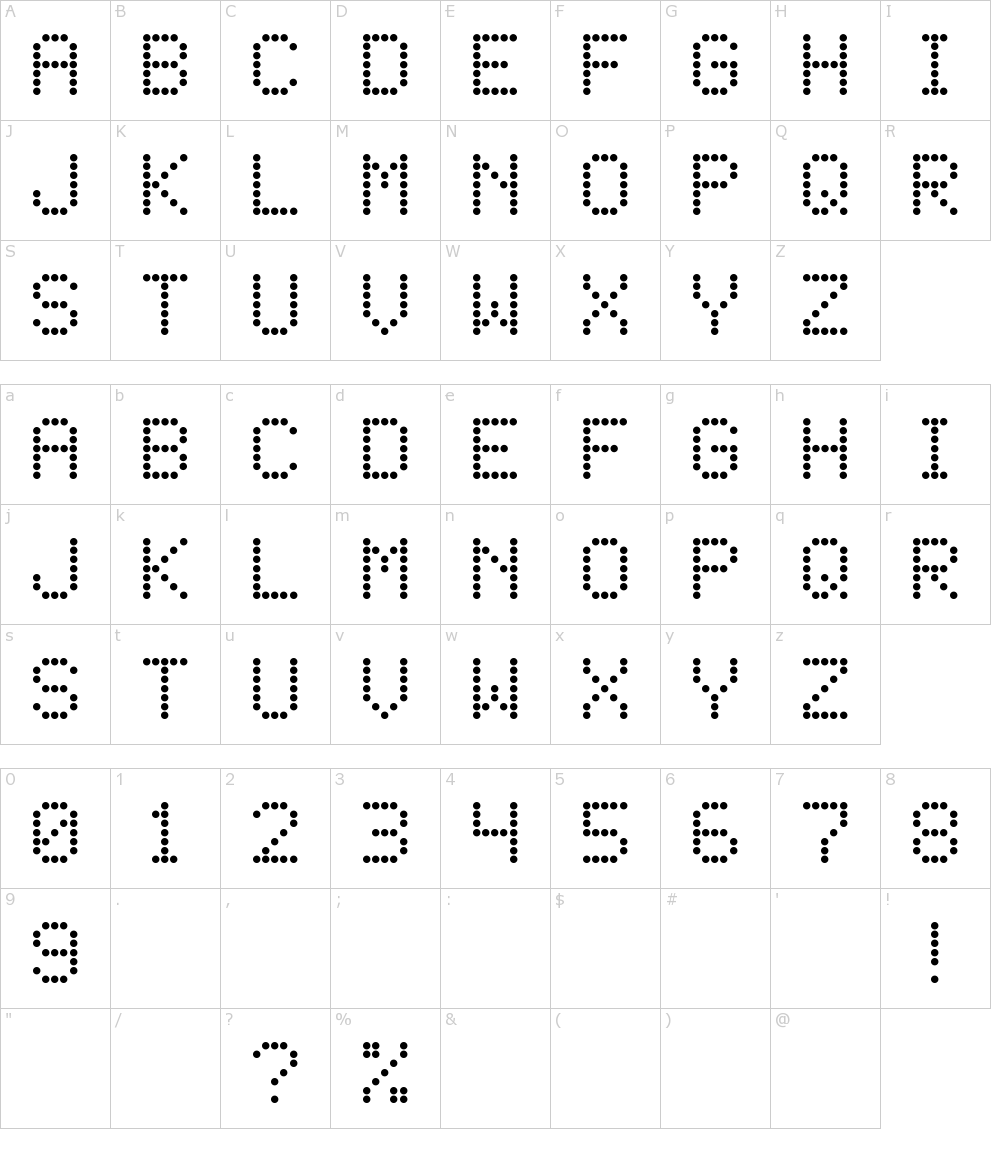
It is possible to display letters and numbers on the matrix. The LEDs must be turned on in the image creation window. 
We can start from this list available on the internet: 
liste-matrice
Source : fontmeme.com

Did you succeed? Perfect, you now know how to program the LED matrix using your NUCLEO-L476RG board!
Discover the other activities of the IoT Sensors kit by clicking on the icons below.